
Build your controls
Place faders, knobs, buttons, XY pads and keyboards on the canvas. Add labels and images, then set the size, colour and touch behaviour of each widget.
From the makers of Syndicate
Custom control surfaces for OSC and MIDI
Build and play custom layouts on macOS and Windows. Send OSC and MIDI to your music, visual or lighting setup, or take your layout to iPad and iPhone with OSCPilot2 Player.
Desktop editor · One-time purchase
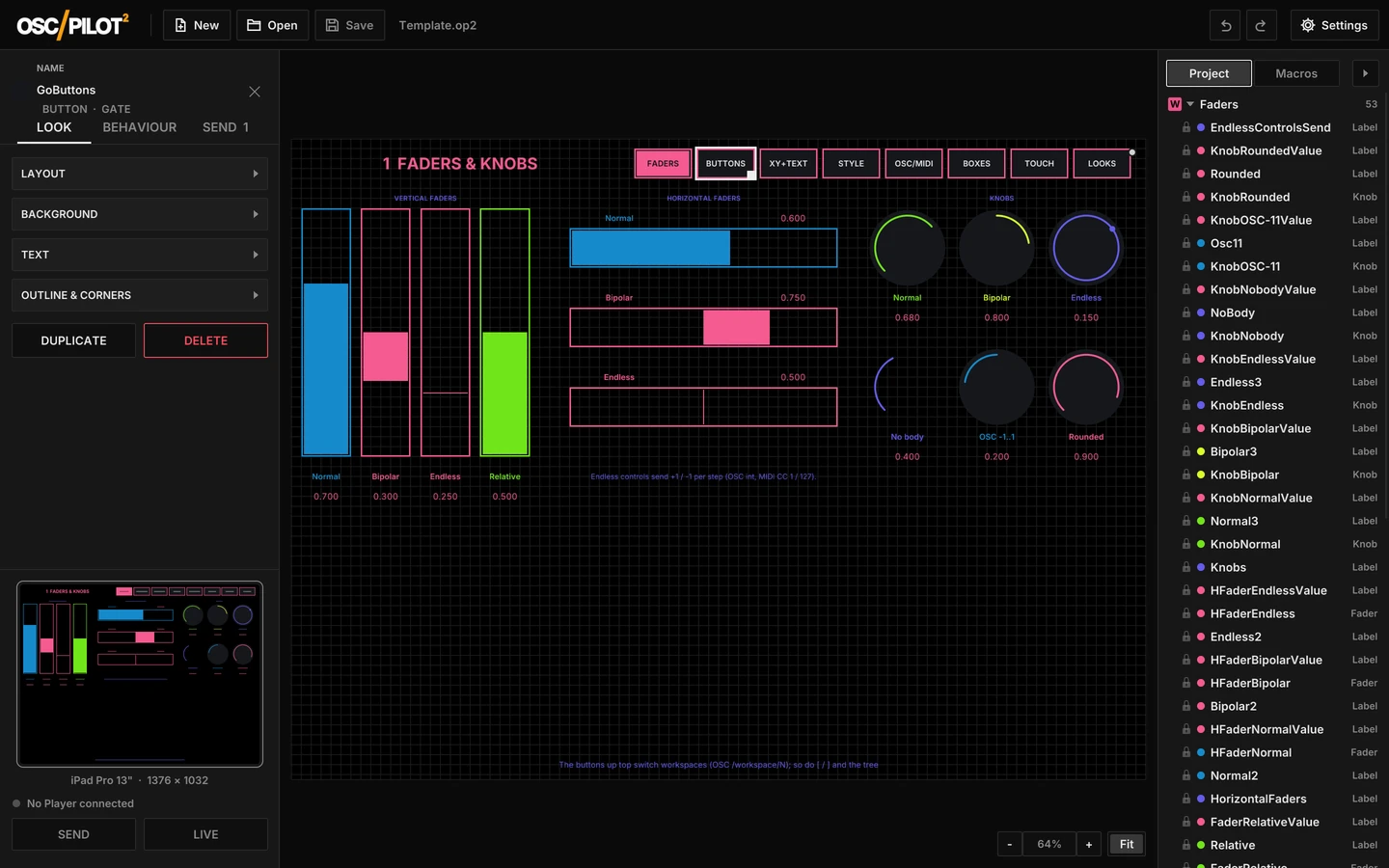
Set the target screen size and orientation, then save your controls, appearance and routing together in an .op2 layout.
Place faders, knobs, buttons, XY pads and keyboards on the canvas. Add labels and images, then set the size, colour and touch behaviour of each widget.
Switch entire workspaces or change pages inside a container. Group and lock widgets in the Project tree, then use buttons on your surface to navigate while performing.
Assign OSC addresses, ranges and senders, or send MIDI CCs and notes to your chosen output. A widget can send to multiple destinations from a single gesture.
Open .op2 layouts full screen and use them as touch controllers. Try the built-in demo without a desktop connection or an account.
Add a complete deck or build your own from transport controls, hot cues, waveforms and track lists. Bind ordinary widgets to Syndicate commands and see deck and mixer changes reflected on your surface.
Connect on the same computer, over USB-C with iPad, or over your local network with compatible builds.
Set up the Syndicate connection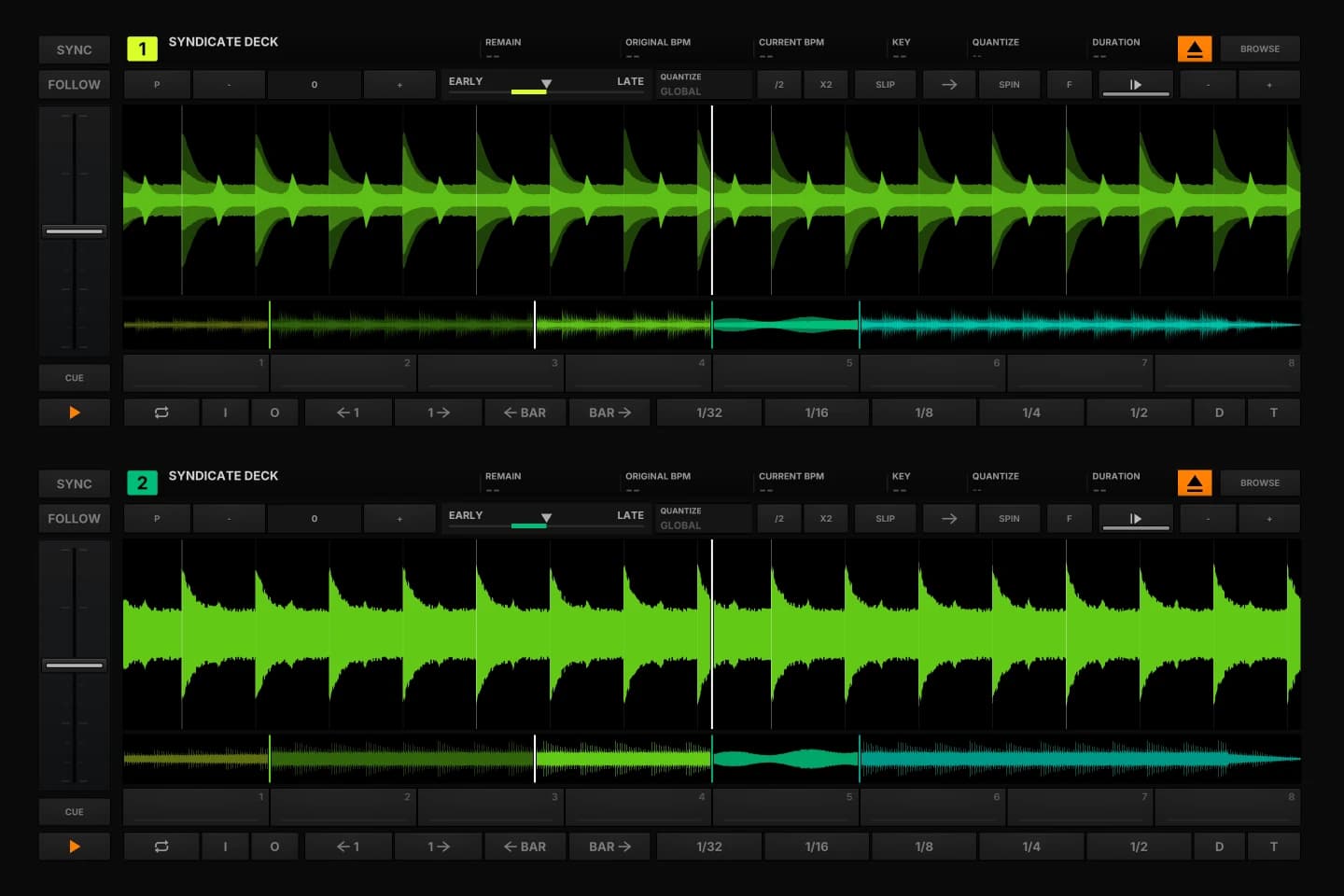
A one-time purchase. Syndicate and OSCPilot v1 owners get a lower price, once per account.
No subscription. A license for OSCPilot v2.
Get OSCPilot v2Activate with your Syndicate website account. Work offline after activation; sign in again when renewal is required. See all options